
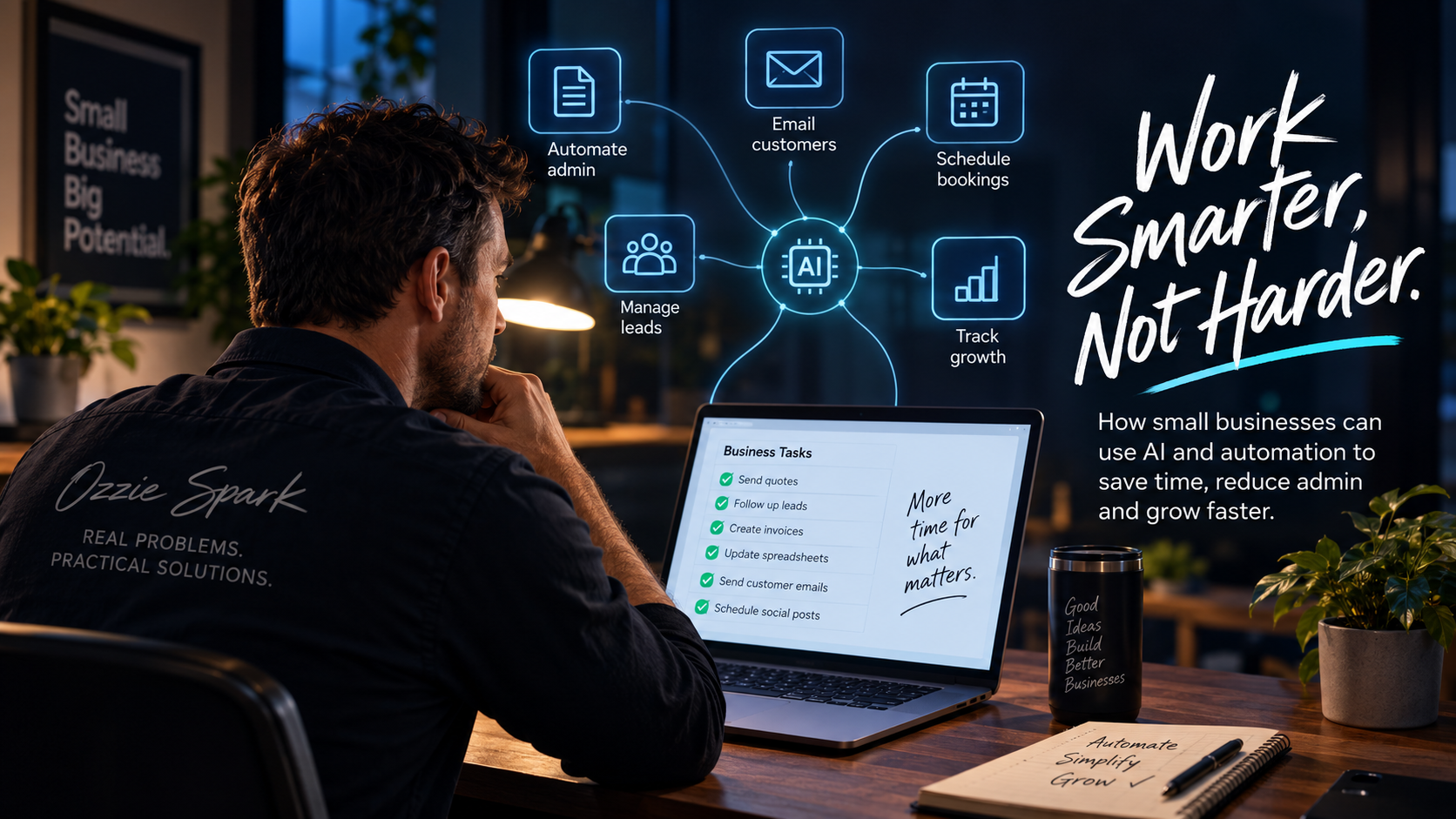
What should a small business automate first?
Automation can sound much bigger than it really is.
Mention the word and it is easy to picture complicated software, artificial intelligence replacing entire jobs, or a major technology project that takes months to implement.
For most small businesses, that is not where useful automation starts.
It usually starts with something much less exciting.
An enquiry arrives and somebody copies the details into another system.
A customer has not replied to a quote, so somebody has to remember to follow up.
A staff member fills out a form and someone else enters the same information into a spreadsheet later.
An invoice arrives by email and gets manually saved, renamed and forwarded.
None of these jobs is particularly difficult.
The problem is that they happen again and again.
That is usually where automation becomes useful.
Start with repetition, not artificial intelligence
A good question to ask is:
What does someone in the business keep doing manually that follows roughly the same process each time?
That might include:
- responding to common enquiries
- transferring information between systems
- creating routine documents
- sending reminders
- following up quotes
- updating spreadsheets
- assigning jobs
- sending booking confirmations
- preparing recurring reports
- collecting information from customers or staff
These are often much better automation opportunities than trying to introduce AI everywhere at once.
The purpose of automation is not to make a business look more technical.
It is to remove unnecessary work.
- Look for the jobs people keep putting off
One of the clearest signs that something could be automated is that nobody particularly wants to do it.
Think about the small administrative jobs that regularly get pushed to later in the day.
Following up an enquiry.
Updating a customer record.
Saving an attachment into the right folder.
Entering numbers into a report.
Sending the same information to a new customer.
These jobs often seem too much at the wrong day but can seem too busy different from a proper workflow.
Five minutes repeated 20 times a week is more than an hour and a half.
When several small processes behave like this, the time adds up quickly.
Automation does not have to eliminate the entire task.
Even removing one step can make a noticeable difference.
- Find the places where information gets copied twice
Double handling is one of the first places I look for a digital improvement.
For example, perhaps a customer completes an enquiry form on your website.
Someone receives the email.
They copy the customer's name, phone number and request into a spreadsheet.
Later, another person enters the same details into an accounting system or job management platform.
The information already existed digitally.
The business has simply created several manual steps between one system and another.
A better process might send the enquiry automatically to the right place, create the customer record and notify the appropriate person.
The employee still controls what happens next.
They just do not have to act as the connection between two pieces of software.
- Automate reminders before decisions
Automation works particularly well when the next action is predictable.
A booking is made.
Send a confirmation.
The appointment is tomorrow.
Send a reminder.
A quote has been sitting unanswered for five days.
Create a follow-up task.
A licence or certificate is approaching expiry.
Alert the responsible person.
A required form has not been completed.
Notify someone.
These situations do not necessarily require advanced artificial intelligence.
They are simply events followed by predictable actions.
And because they are predictable, they are often excellent candidates for automation.
- Look at customer enquiries
Customer enquiries are another useful place to start.
That does not necessarily mean putting an AI chatbot on your website and letting it answer everything.
Sometimes the better solution is much simpler.
A website form might ask the right questions before the enquiry reaches you.
Different enquiry types can be sent automatically to different people.
Customers can receive confirmation that their request has been received.
A booking link can be offered when appropriate.
Information from the enquiry can be stored automatically rather than copied somewhere later.
The goal is not to stop customers speaking to people.
It is to remove the unnecessary administration surrounding the conversation.
- Look at recurring reports
Many businesses have a spreadsheet or report that somebody prepares every week or every month.
The process might involve opening several systems, copying figures, checking dates, formatting a spreadsheet and emailing it to a manager.
If the same information comes from the same places each time, at least part of that process may be automatable.
You may still want a person to review the result.
In fact, that is often the best arrangement.
Let software gather and organise the information.
Let the person interpret it and decide what needs to happen.
That is a much better use of someone's time than copying numbers from one screen to another.
Where does AI fit?
Artificial intelligence becomes particularly useful when the work involves information that is less structured.
Traditional automation is very good at:
If this happens, do that.
AI can help when the instruction is closer to:
Read this, understand what it is about, and decide which normal process it belongs to.
For example, AI can help businesses:
- categorise incoming emails
- summarise customer enquiries
- extract information from documents
- draft responses for someone to approve
- turn meeting notes into action items
- identify common themes in customer feedback
- convert unstructured information into usable records
That can be extremely useful.
But AI should solve a real workflow problem.
Adding AI to an inefficient process does not automatically make the process good.
Sometimes it simply makes the inefficient process more complicated.
A simple test: should this task be automated?
Before building anything, ask five questions.
Does it happen regularly?
A task that occurs once a year may not be worth automating.
Something that happens every day probably deserves a closer look.
Is the process reasonably consistent?
Automation works best when there is a recognisable process.
If every situation requires completely different judgement, a person may still be the right tool for the job.
Is someone copying information manually?
That is often a strong opportunity.
Especially when information is moving between email, spreadsheets, forms, accounting systems or job management software.
Does forgetting the task cause problems?
Reminders, follow-ups, renewals and recurring checks are good candidates because automation does not forget.
Would removing the task actually help?
This is the most important question.
There is no value in automating something simply because it can be automated.
The result should save time, reduce errors, improve the customer experience or make the business easier to manage.
Ideally, it does more than one.
You may already own the solution
Before building something custom, check the software your business already uses.
Your accounting platform, CRM, booking system, Microsoft 365 account, Google Workspace account or job management software may already include the capability you need.
There are also established automation platforms that can connect different systems without requiring a completely custom application.
Sometimes the right answer is:
Use the feature you already have.**
That is still a good result.
Custom software becomes more useful when the business has a process that does not fit neatly into an existing product, several systems need to work together, or the workaround has become more difficult than the original problem.
Do not automate a bad process
There is one important trap to avoid.
Imagine a business has a ten-step process that should really only have five steps.
Automating all ten steps might make it faster.
But it would still be the wrong process.
Before automating, ask whether every step is actually necessary.
Sometimes the best digital improvement is removing a step entirely.
Start with one annoying thing
You do not need an automation strategy covering the next three years.
Pick one process.
Preferably one that people already complain about.
Map out what happens now.
Work out which part is repetitive.
Then see whether an existing tool, a simple connection between systems, or a small custom solution can remove the friction.
Once that works, move to the next problem.
That approach is usually much safer than buying a collection of software and then trying to invent reasons to use it.
The best automation is usually boring
The most valuable automation in a small business may never look impressive in a sales presentation.
It might simply mean:
- a customer receives a reply immediately
- a staff member stops entering the same information twice
- a manager receives a report without asking for it
- a quote gets followed up at the right time
- somebody gets reminded before something is forgotten
That is not futuristic.
It is just a business process working properly.
And that is usually a much better place to start.
Wondering what you could automate?
There is probably something in your business that makes you think:
"Surely we shouldn't still be doing this manually."
That is often the best place to begin.
Tell me what is slowing you down, being repeated, getting forgotten or creating unnecessary admin.
I'll help work out whether the sensible answer is an existing platform, a simple automation, an internal tool or something custom.
Tell me what you want to build, improve or solve.