 Ozzie Spark
Insights / Field note
Before You Buy Another App, Fix the Handover
An enquiry arrives. Someone replies. A note goes into a spreadsheet. Another person is meant to follow up.
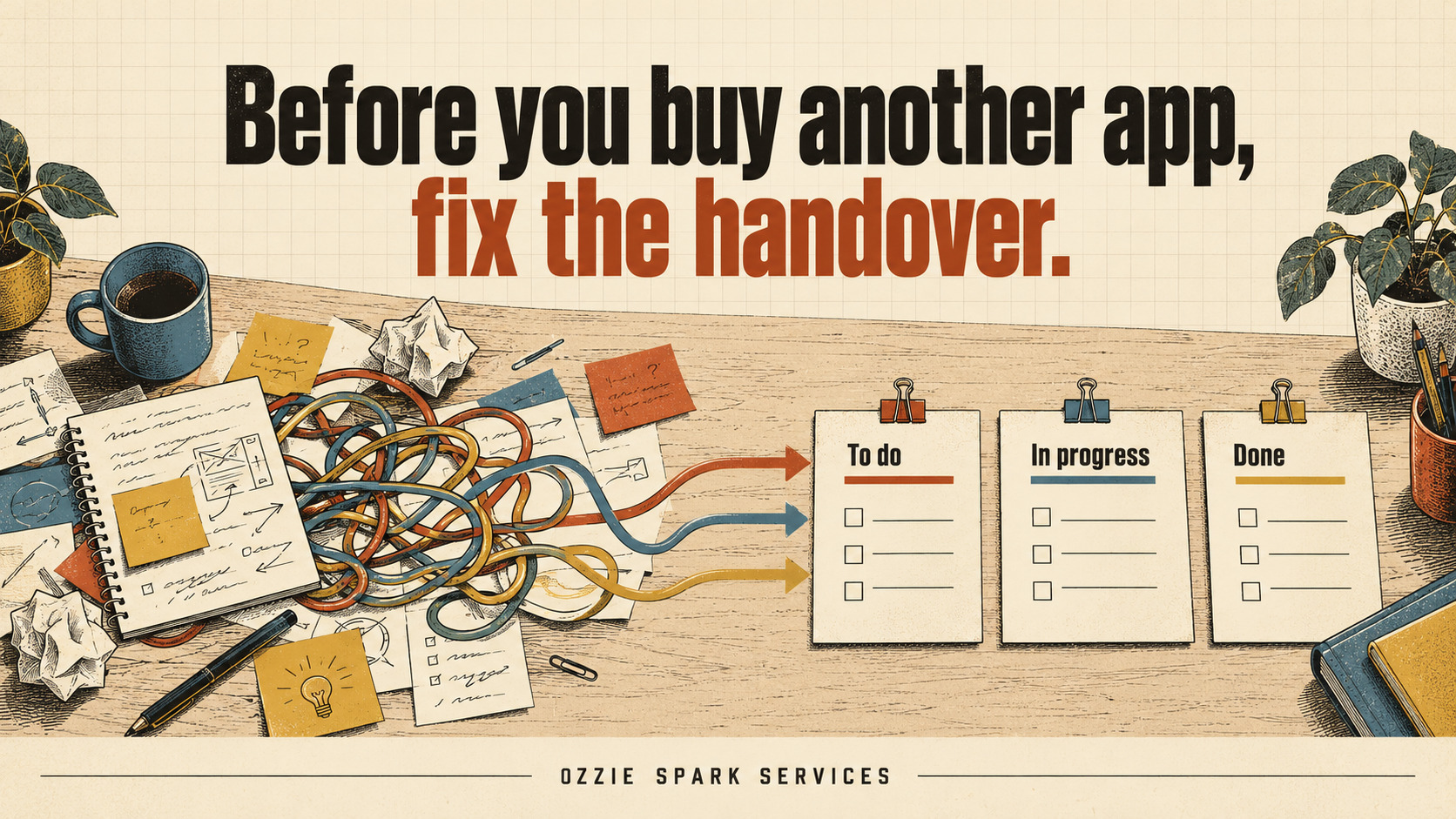
Then the day gets busy—and nobody is quite sure where it landed.
It is tempting to look for another app. Perhaps a new dashboard, a task manager or an automation will bring everything together.
It might help. But first, look at the moment the work passes from one person to another. If the next action is unclear, a new system can simply give that confusion another place to live.
Where work gets lost
A handover happens whenever responsibility moves: from an enquiry to a quote, from a booking to preparation, from one shift to the next, or from a reported problem to someone fixing it.
The gaps can sound familiar:
- “I thought you were handling that.”
- “It’s somewhere in the emails.”
- “I updated the spreadsheet.”
- “We’re waiting on something, but I’m not sure what.”
- “Someone needs to call them back.”
These comments point to a practical question: can the next person see what they need to do without reconstructing the whole story?
Four questions every handover should answer
You do not need a complicated procedure for every task. Start with four useful pieces of information.
1. What happened?
Record enough context for someone else to understand the situation. What was requested? What has already been done? Was anything promised?
“Customer contacted” is less useful than “Spoke to the customer; they want a quote for the two items listed in their enquiry.”
Keep it brief, factual and relevant.
2. What is outstanding?
State the next action clearly. A label such as “Pending” tells people very little unless they know what it is pending.
“Waiting for customer” becomes more useful when it says “Waiting for two photographs before preparing the quote.”
If several things remain, separate them so one completed action does not hide another.
3. Who owns the next step?
A shared inbox can make work visible, but visibility alone does not assign responsibility.
Name the person responsible for the next action, or use a role with a clear allocation process. If that person is away, make sure the work can be reassigned.
Several people can contribute. Someone still needs to know that moving it forward is their job.
4. When is it due?
“Soon” and “when you get a chance” leave room for different expectations.
Use a date or an agreed trigger. For example: “Follow up on Thursday if the photographs haven’t arrived.”
For work waiting on someone outside the business, set a review date rather than allowing it to disappear into an indefinite waiting list.
A simple customer enquiry example
Imagine a small service business receives an enquiry through its website.
An unclear handover might say:
“New enquiry. Spoke to customer. Waiting.”
A more useful record would say:
- What happened: Customer asked for a quote. Initial requirements discussed.
- Outstanding: Customer needs to send two photographs.
- Owner: Alex will prepare the quote once they arrive.
- Review date: Thursday afternoon if there has been no reply.
This is a fictional example, but the difference is practical. The next person can understand the situation without searching through several conversations.
Keep the current record somewhere people can find it
The handover can live in a shared task list, a job-management system, a suitable spreadsheet or an internal tool.
What matters is that the people doing the work know where the current record is and update it consistently. Link to relevant emails or documents where possible, rather than creating competing copies.
A short review of outstanding work can also help: what is overdue, what is blocked and what needs a new owner?
For sensitive information, use a system with appropriate access controls and record only what the task requires.
When technology becomes useful
Once the handover is clear, you can identify which parts a system could support.
A website form might collect the details staff repeatedly have to request. A shared dashboard might make outstanding work easier to see. An automation might create a task, notify its owner or flag an approaching review date.
Before connecting anything, decide what should happen when information is missing or the automation fails. Someone needs to see the exception and know what to do.
Existing software may already provide what you need. A custom tool becomes worth considering when the workflow has requirements your current systems cannot handle well.
Try it on one process this week
Choose one recurring task that causes unnecessary chasing.
For a week, make sure every handover records:
- What happened.
- What is outstanding.
- Who owns the next step.
- When it is due or needs reviewing.
Then ask the people using it what is still difficult. That gives you a much clearer starting point for improving the process—and choosing any technology that might help.
At Ozzie Spark Services, this is where I like to begin: understand the work, find the friction and build a practical response.
If your business has a process that keeps getting stuck between people or systems, tell me what is happening. We can work out the next useful step together.
Have a similar problem?
You don’t need the answer worked out before getting in touch.